


Humminbird XPLORE 10 CMSI+ vs CHO
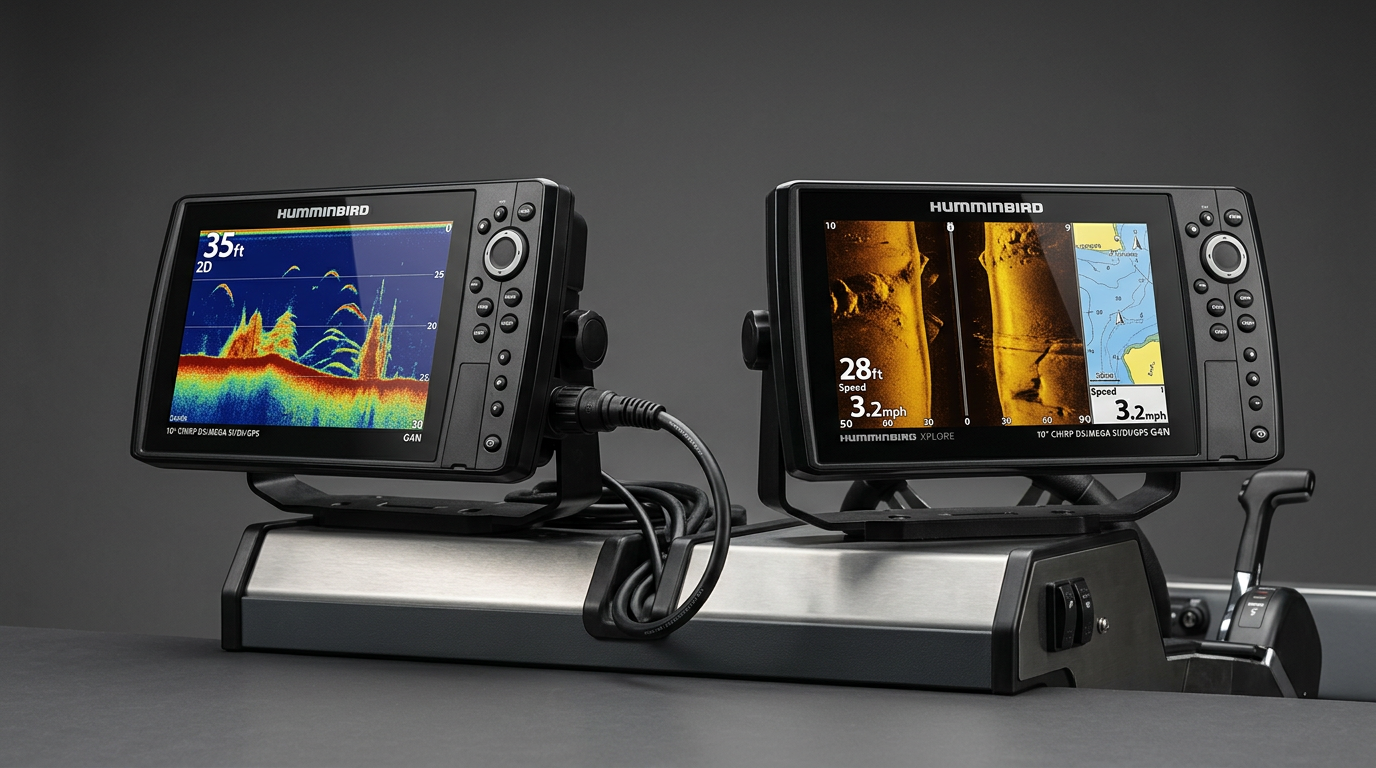
Humminbird XPLORE 10 CMSI+ vs CHO
If you're comparing the Humminbird XPLORE 10 CMSI+ vs CHO configurations, the decision comes down to what transducer hardware you already have, how you plan to install the unit, and which compatibility details you still need to verify before ordering. This guide walks through each part of that decision so you can commit to the right package with confidence.
What CMSI+ Includes
The CMSI+ configuration bundles a matched transducer together with the XPLORE 10 control head, giving you a complete, ready-to-install package. Because the transducer is paired specifically to this unit, you skip the compatibility research that a standalone transducer purchase would otherwise require. This makes CMSI+ the more straightforward path for a new boat, a fresh helm build, or any setup where you don't already own compatible sonar hardware.
What CHO (Control Head Only) Means
CHO refers to the XPLORE 10 display and processing unit sold on its own, without a transducer. This option is built for anglers upgrading from an older Humminbird unit who already have a transducer mounted and wired on their boat. Rather than paying for and installing new sonar hardware, a CHO purchase lets you reuse what's already there — provided it's actually compatible.
Who Each Option Actually Suits
CMSI+ suits buyers who are installing sonar for the first time, replacing an incompatible or failed transducer, or simply want the certainty of a factory-matched setup. CHO suits buyers with a confirmed-compatible existing transducer who are primarily upgrading their display, processing power, or screen size while keeping their current underwater hardware in place.
Compatibility Details to Check Before Ordering CHO
Before committing to a CHO purchase, confirm three things about your existing transducer: the physical connector type matches the XPLORE 10's port (or that a compatible adapter is available), the sonar technology it supports (traditional, CHIRP, Side Imaging, or MEGA imaging) aligns with the features you actually want on the new display, and the transducer's condition and mounting are still sound enough to carry over to a new installation. Skipping any of these checks is the most common reason anglers end up with a CHO unit that can't fully power on or display sonar as expected.
Making the Final Call
If you're unsure about any part of your existing transducer's compatibility, CMSI+ removes that risk entirely. If you've already confirmed your hardware lines up, CHO can be a cost-effective way to upgrade your display without redoing your entire installation.
Key Takeaway: Choose CMSI+ for a complete, factory-matched setup with no compatibility guesswork. Choose CHO only after verifying your existing transducer's connector, sonar capability and condition.
CMSI+ vs CHO at a Glance
| Configuration | Includes Transducer | Best For |
| CMSI+ | Yes | New installations, no existing compatible transducer |
| CHO | No | Confirmed-compatible existing transducer |
Frequently Asked Questions
Can I switch from CHO to CMSI+ later if my transducer turns out incompatible?
You can add a matched transducer separately, but confirm pricing and part compatibility with your exact CHO model before assuming this is cost-effective compared to buying CMSI+ upfront.
Does CMSI+ support the full range of XPLORE 10 sonar features?
Confirm the specific sonar technologies included with your exact CMSI+ MPN, since transducer packages can vary in what imaging modes they support.
Is CHO a good option for a first-time sonar installation?
Generally no — without an existing compatible transducer, CMSI+ is the safer and more complete choice.
Not sure whether CMSI+ or CHO fits your setup? Contact our team for help before you order.