


How to Identify an Alpha One Gen II Sterndrive
How to Identify an Alpha One Gen II Sterndrive
Before shopping for a replacement sterndrive, confirming exactly which drive you have is the most important step. Identifying an Alpha One Gen II sterndrive correctly — and distinguishing it from a Gen I — depends on drive markings, serial information, and physical identifiers, not on boat year or general appearance alone.
Why Alpha One Gen I and Gen II Are Often Confused
Alpha One Gen I and Gen II share a similar overall shape, which leads many boat owners to assume they're interchangeable. In reality, the two generations use different internal components, mounting details, and part numbers. Confirming which generation you have prevents ordering a part that looks correct but does not actually fit.
Checking the Serial Number
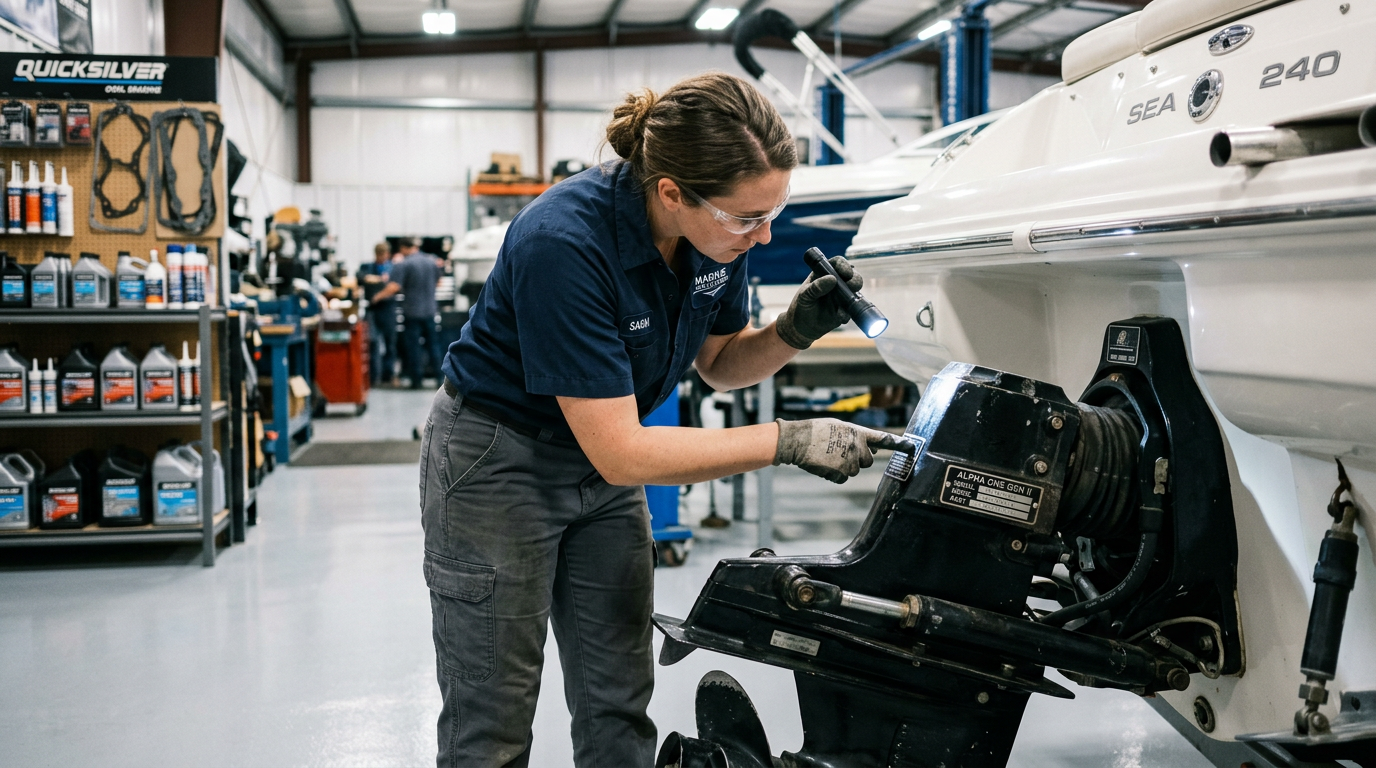
The most reliable identifier is the serial number found on the identification tag riveted to the drive housing. This number, cross-referenced with manufacturer documentation, confirms the exact generation, gear ratio, and production details of your drive. Always photograph this tag clearly before requesting fitment help or placing an order.
Physical Identifiers to Look For
Beyond the serial tag, Gen II drives typically feature different water pickup design, trim cylinder mounting, and gearcase housing details compared to Gen I. Comparing these physical features against manufacturer reference photos can help confirm your generation when the serial tag is difficult to read.
Why Gear Ratio Also Matters at This Stage
Once you've confirmed Gen II, note your current gear ratio as well. Gen II drives were produced across several ratio options, and this detail will be essential when narrowing down the correct replacement sterndrive later.
Key Takeaway: Never assume Gen I and Gen II parts are interchangeable — confirm your generation using the serial tag and physical housing details before ordering.
Identification Checklist
- Photograph and record the identification tag serial number
- Confirm generation (Gen I vs. Gen II) using tag details or physical housing features
- Note your current gear ratio for future reference
- Compare water pickup and trim cylinder mounting details if the tag is unclear
- Document any known prior drive swaps or repairs
Frequently Asked Questions
Can I tell Gen I and Gen II apart just by looking at the boat model?
No. Boat model or year alone doesn't confirm drive generation — the serial tag and physical housing details are required.
What if my identification tag is damaged?
Photograph the housing details and water pickup design, then reach out for help confirming your exact generation.
Not sure if your drive is a Gen I or Gen II? Contact our team with your serial number and photos for help.