


How to Check Humminbird Map Card Compatibility
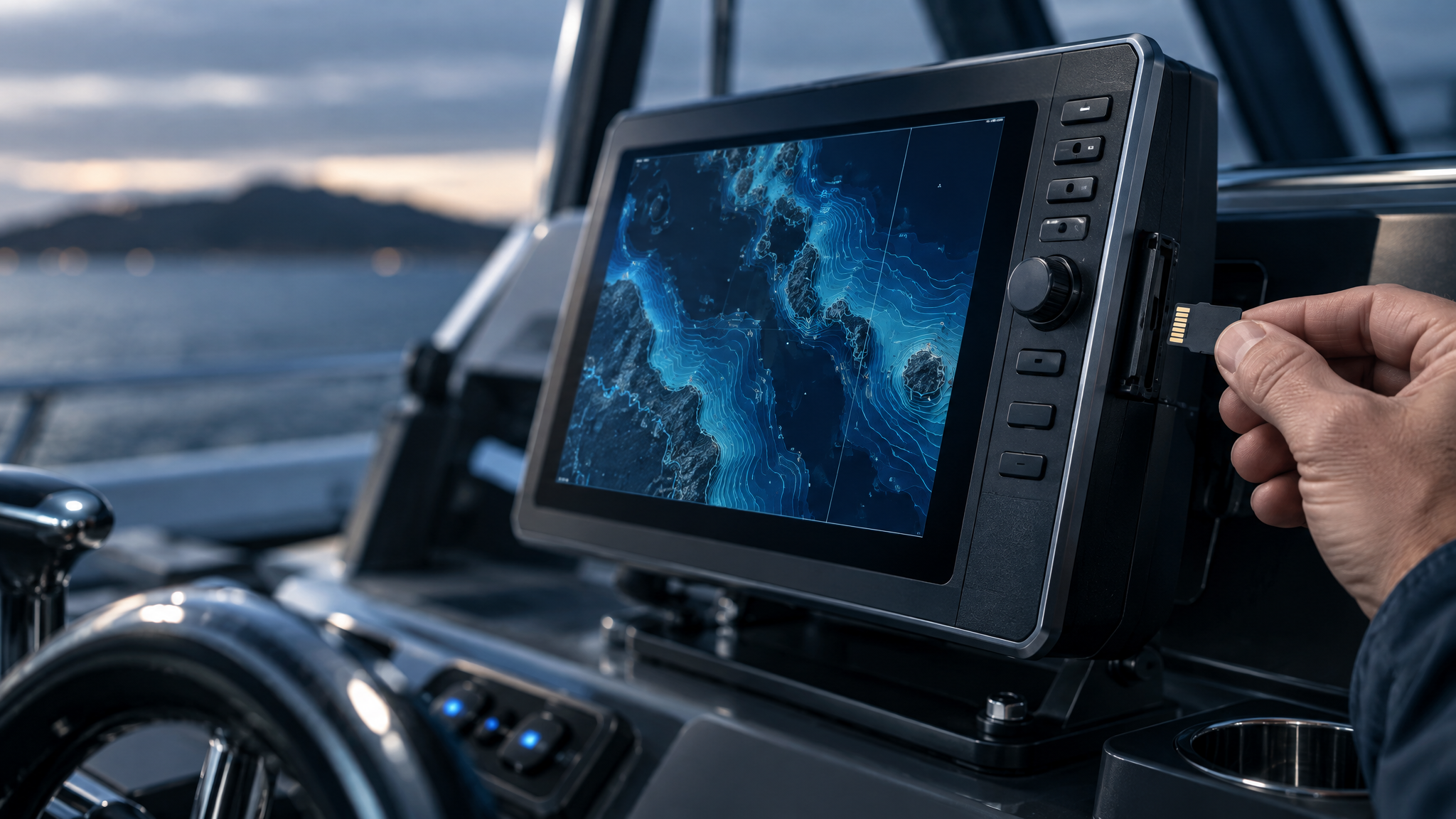
How to Check Humminbird Map Card Compatibility
Before purchasing a Humminbird map card, take a few minutes to confirm compatibility. A map card may have the coverage you want, but it still needs to work with your specific Humminbird display, display generation, software version and supported card format.
Checking Humminbird map card compatibility before you buy helps you avoid ordering the wrong product, receiving coverage that does not match your boating area or selecting a card that is not supported by your unit.
Browse Humminbird maps and cartography and use this guide to confirm the important details before adding a map card to your cart.
Step 1: Identify Your Exact Humminbird Display Model
Start with the exact model name of your Humminbird unit. Do not rely only on a general product family name. Similar-looking displays can belong to different generations, and compatibility may vary between models.
You can usually find the model information on the front bezel, in the unit settings, in product documentation or on the original packaging. Record the model exactly as shown before comparing map cards.
- Write down the complete display model name.
- Check the display size and product series if shown.
- Confirm whether the unit has a card slot and what type it supports.
- Use the exact model when reviewing product compatibility information.
Step 2: Confirm the Display Generation
Humminbird display generations can matter when selecting mapping products. A card that works with one generation may not be the right choice for another. Never assume compatibility simply because the map card and your display share the Humminbird name.
When reviewing LakeMaster, CoastMaster or other chart products, look for compatibility notes that apply to your exact display generation. If the product listing does not make the match clear, pause before ordering and request confirmation.
Step 3: Check the Required Software Version
Some map card features or product releases may require compatible display software. Before purchasing, confirm whether your Humminbird unit is running the required software version for the card you are considering.
This does not mean every card requires an update, but software should always be part of your compatibility check. Keeping a compatible display updated can help ensure supported mapping features operate as intended.
Compatibility tip: Check your display model first, then generation, then software version. This sequence makes it easier to eliminate the wrong map card before purchase.
Step 4: Confirm the Supported Card Format
Map cards are physical media, so card format matters. Verify that your Humminbird display supports the type of card included with the product you plan to buy. Also make sure you understand which card slot on your unit is intended for mapping media.
- Check the map card format listed on the product page.
- Confirm the supported media format for your display.
- Review your unit’s card slot configuration.
- Handle map cards carefully and keep them protected when not in use.
Step 5: Verify Geographic Coverage
Compatibility is not only technical. Geographic coverage is equally important. A map card can work with your display but still be the wrong purchase if it does not include the lakes, reservoirs, coastal areas or waterways where you boat.
Review the published coverage details for the individual map card. If you regularly fish multiple lakes or travel to different regions, confirm that each important destination is included rather than assuming broad regional coverage.
For freshwater boating, you may be comparing LakeMaster coverage. For coastal boating, you may be reviewing CoastMaster chart coverage. In both cases, the specific product listing should guide your final decision.
Humminbird Map Card Compatibility Checklist
Use this checklist before purchasing any Humminbird mapping product:
- Display model: I know my exact Humminbird model.
- Display generation: I have checked the unit generation where relevant.
- Map family: I selected LakeMaster for freshwater needs or CoastMaster for coastal needs.
- Product edition: I checked the exact map product version and edition.
- Software: I reviewed whether my display software is compatible.
- Card format: I confirmed the map card format works with my unit.
- Coverage: I verified the exact geographic area I need.
Why Compatibility Checks Matter
A Humminbird map card is an investment in better situational awareness on the water. Taking time to verify compatibility can help you select a card that supports your boat, your electronics and your real-world boating routes.
The best approach is to compare the exact product details—not just the map family name or a general region label. Product versions, display compatibility and coverage can vary, so your final purchase should always be based on the individual card listing.
Find the Right Compatible Map Card
Once you have your Humminbird model and intended coverage area, you can shop with more confidence.
Start your comparison here: Shop maps and cartography at Mariners Warehouse.
If you would like help confirming map card compatibility before ordering, contact Mariners Warehouse and include your Humminbird model, display generation if known, current software information and the waters you want to cover.